
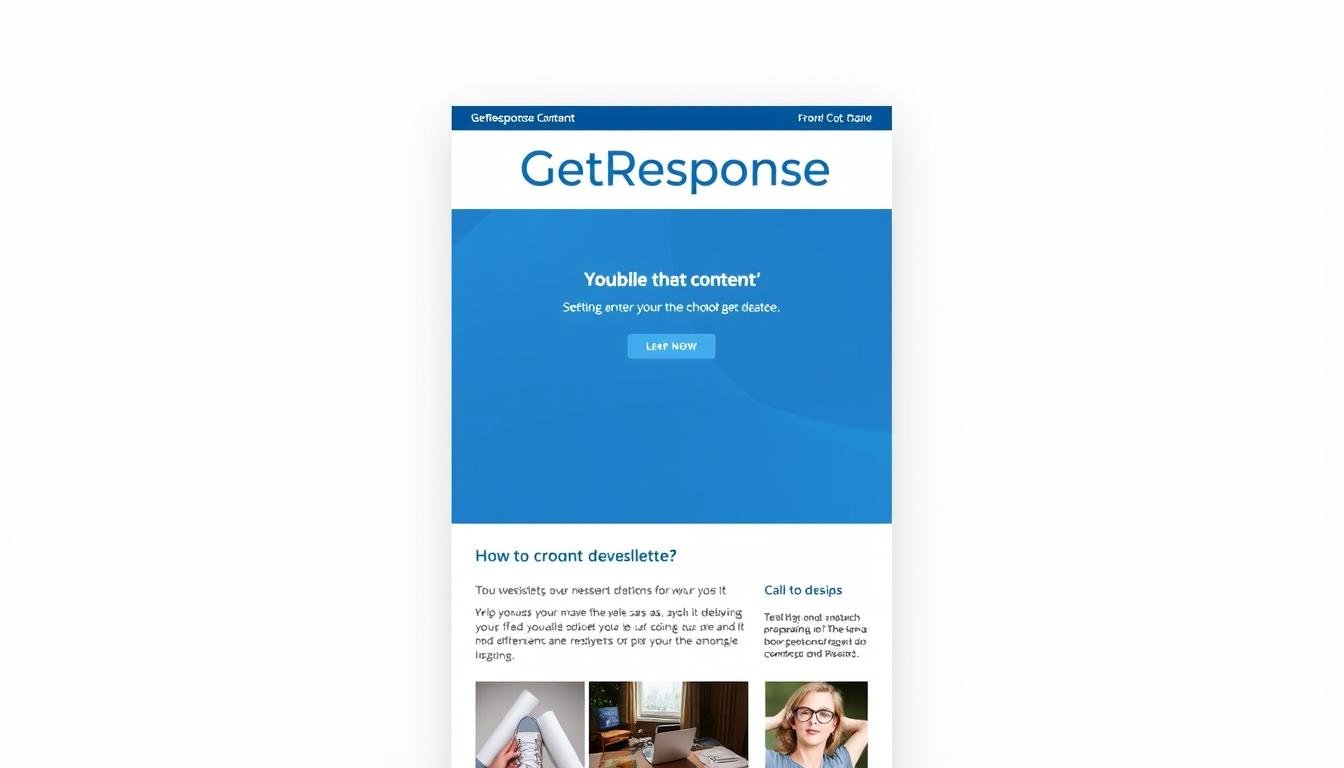
Can a few design choices lift opens and clicks across your campaigns—or are you leaving results to chance?
You need templates that speed production and keep a consistent brand view. GetResponse is a known ESP that handles webinar invites, reminders, and post-event asks, but its native editor can feel dated. To enhance your marketing efforts, leveraging tools that allow for seamless integration and automation is crucial. With GetResponse, you can also maximize conversions with form customization, tailoring your forms to better capture leads and engage your audience. This feature, combined with their robust analytics, provides valuable insights to refine your strategies further.
Using an HTML-first workflow and third-party solutions lets you embed interactive features like countdown timers and GIFs. That approach supports responsive, on-brand hero banners and smart-block libraries that save time and reduce errors.
In this guide you’ll learn when to use the platform editor and when to pick an HTML template, how to match subject lines and CTAs to audience intent, and which features lift deliverability signals.
Key Takeaways
- Choose a consistent layout to improve deliverability and subject-to-open performance.
- Use HTML-first templates to unlock interactivity without breaking brand rules.
- Match hero banners and CTAs to campaign goals for higher conversions.
- Leverage libraries and smart-blocks to scale across teams.
- Test subject and hero variants to compound learning over time.
Why Newsletter Templates Matter for Email Marketing Right Now
A strong newsletter framework turns ad-hoc sends into repeatable, measurable programs.
What a template does: it's a pre-designed layout with spots for headings, hero images, body modules, logos, contact info, and social links. You plug in copy and visual assets and keep brand rules intact. This streamlines branding and reduces design back-and-forth.
Commercial upside
Using email templates speeds production and shifts team time toward strategy and content. Consistent visuals build recognition and trust. That clarity helps users scan messages and follow the primary CTA, which raises open-to-click ratios across campaigns.
- Faster setup: cut repetitive layout work from hours to minutes.
- Clear hierarchy: hero, body, product grids, footer—scan-friendly blocks.
- Better testing: align preheader, hero, and subject to validate what drives opens.
| Benefit | How it helps | Best use case | Notes |
|---|---|---|---|
| Speed | Reuses layout and styles | Weekly dispatches | Reduces build time |
| Consistency | Standardized sections and spacing | Brand campaigns | Improves recognition |
| Scalability | Locked typography and colors | Multi-author teams | Limits off-brand edits |
| Flexibility | HTML workflows enable interactivity | Event invites and reminders | Bypasses an outdated editor |
Top GetResponse Email Templates to Boost Seasonal and Evergreen Campaigns
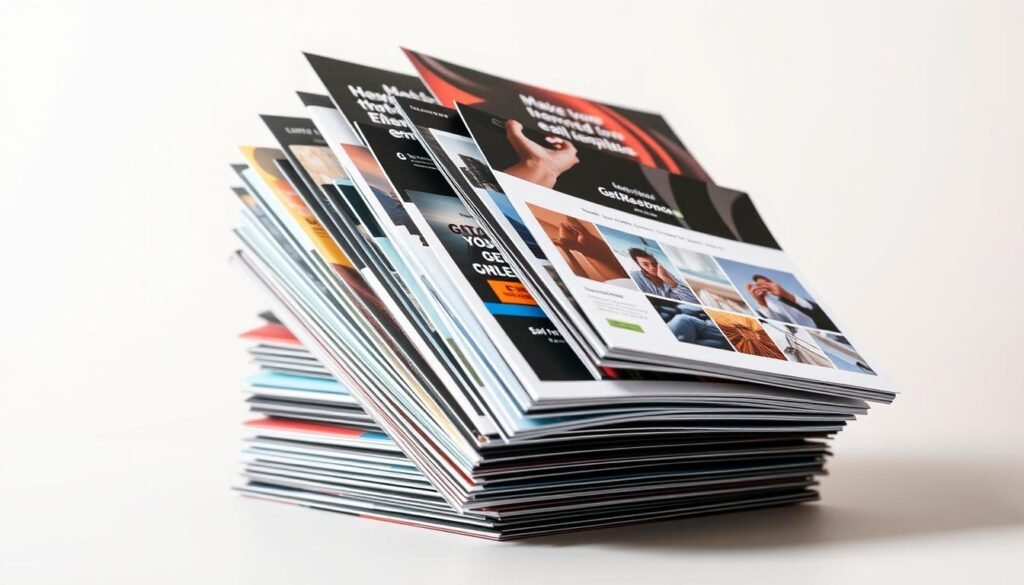
Pick a set of seasonal and evergreen layouts that map directly to audience intent and conversion goals.
Urgency-driven designs work best when time is short. Use the Black Friday last reminder with a compact header, a large countdown, and one CTA above the fold. The Flash Sale layout pairs a bold timer with high-contrast CTAs to cut scrolling and push immediate clicks.
Product-led grids serve catalog depth. Black Friday Ecommerce adds price badges, bundle rows, and scarcity chips to boost average order value. Cool Promotion and Summer sale use interchangeable tiles to spotlight new arrivals and discounts.
Content-first and onboarding templates build longer-term value. Summer Welcome and Summer Smoothie blend hero imagery with shoppable editorial tiles and preference links to tailor future sends.
- Black Friday reminder: concise copy blocks with secondary CTAs (gift cards, BOPIS).
- Festive sale: gift categories, shipping cutoffs, and returns microcopy.
- Accessibility: contrast, alt text, and tappable CTAs for mobile.
When you templates choose, match urgency to short windows and grids to catalog campaigns; pair each layout with a tight A/B test plan to improve opens and clicks over time.
How to Customize getresponse email templates for newsletters with Advanced Builders
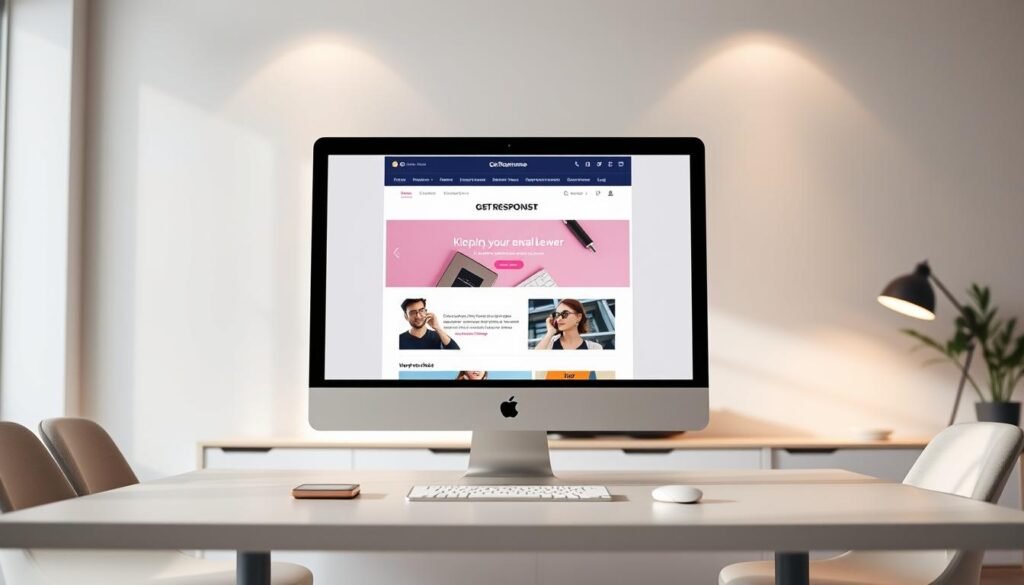
Advanced builders let you combine live code and modular blocks to craft interactive, on-brand broadcasts quickly.
Use open HTML to embed GIFs, countdown timers, and hover states that lift urgency during limited-time sales and event reminders. Add lightweight code snippets and provide fallbacks so clients that block advanced effects still see a clean message.
Smart-blocks that auto-fill products
Configure smart-blocks once with HTML/CSS and drop in a product URL to auto-populate images, price, and CTA. This speeds setup for large assortments and keeps merchandising aligned with campaign goals.
Reusable library and hero design
Centralize header, footer, and hero blocks so teams assemble sends rapidly. Design banners with compressed images, layered stickers, and concise overlaid text. Test mobile crop and typography scales to keep CTAs tappable.
| Use case | Feature | Benefit |
|---|---|---|
| Flash sale | Countdown + GIF | Boosts clicks by creating urgency |
| Product drop | Smart-blocks | Auto-populates products and prices |
| Webinar invite | HTML timers + calendar link | Improves registrations and reminders |
- Governance: run an HTML QA pass and archive winning blocks.
- Scale: standardize spacing and CTA sizes to reduce design drift.
Conclusion
Finish with a clear playbook: pick the template that maps to intent, set governance, and test fast.
Prioritize seasonal sets like Black Friday and Summer, then standardize a weekly core layout. Use an HTML-first workflow when you need modern interactivity or layouts the native editor can’t handle.
Document QA, accessibility, and mobile checks so users across your account ship reliable campaigns. Track opens, clicks, and assisted revenue by template to find top performers.
Next step: archive winning blocks, schedule A/B tests, and consult this getresponse review if you need a deeper platform audit.
FAQ
What is a newsletter template and how does it streamline branding and design?
A newsletter template is a prebuilt layout you reuse to ensure consistent visuals and messaging. It speeds production by locking brand colors, fonts, and header/footer blocks so your team spends less time on design and more on strategy. Using a template reduces design errors and keeps campaigns cohesive across channels.
How do templates improve open and click rates?
Templates focus attention on clear subject lines, readable preheaders, and scannable content blocks. When layouts emphasize key CTAs and optimize hero images and mobile responsiveness, engagement rises. Marketers that test template variations typically see measurable uplifts in opens and clicks within weeks. Additionally, integrating personalized content within these templates can further enhance user interaction. To complement these strategies, businesses should also focus on ways to maximize leads with landing pages, ensuring a seamless transition from email engagement to conversion. By creating targeted landing pages that align with the email messaging, marketers can drive higher conversion rates and ultimately boost ROI.
Which template types work best for seasonal campaigns like Black Friday?
Urgency-driven layouts, product grids, countdown designs, and concise reminder blocks perform best. Use bold CTAs, scarcity cues, and clear pricing. For promos and bundles, grid templates highlight multiple SKUs; for flash sales, a countdown timer and strong contrast increase conversions.
Can I use templates for evergreen campaigns like welcome sequences?
Yes. Onboarding templates with warm imagery and progressive content blocks work well. Build a reusable welcome flow that introduces your brand, highlights top content or products, and collects preferences. Evergreen templates save time and improve early engagement for new subscribers.
How do advanced builders let me add interactive elements like GIFs and timers?
Advanced editors support embedded GIFs, countdown timers, and custom HTML blocks. You can insert animated visuals and live timers without coding by using the builder’s widgets or pasting validated HTML snippets. These elements increase urgency and visual interest across campaigns.
What are smart-blocks and how do they speed campaign setup?
Smart-blocks auto-populate product details, pricing, and images from your catalog or RSS feed. They streamline setup for promos by dynamically filling content, so you can launch targeted campaigns fast and keep offers up to date without manual edits.
How can teams build faster with a library of reusable content blocks?
Create a shared block library with approved hero banners, footers, legal sections, and CTA modules. Teams drag-and-drop these assets into templates, ensuring brand consistency and reducing review cycles. Reusable blocks also simplify localization and variant testing.
Are templates mobile-friendly and accessible for different devices?
High-quality templates are responsive by design, with stacked content blocks, scalable images, and large tappable CTAs. Test on multiple devices and use accessible color contrast and alt text to ensure readability and deliverability across inboxes.
Can I export or edit the HTML of a template for deeper customization?
Yes. Most builders let you access and edit HTML for precise control over layout and styles. Use HTML blocks for advanced effects, but validate code and test across email clients to avoid rendering issues.
How do I choose the right template for an event invitation or webinar?
Pick a layout that highlights date/time, a clear registration CTA, speaker details, and an agenda summary. Use countdown timers and calendar-add links to reduce friction. Event-focused templates prioritize conversion and concise information.
What metrics should I track to measure template performance?
Monitor open rate, click-through rate, conversion rate, bounce rate, and unsubscribe rate. A/B test subject lines, hero images, and CTA placement to determine which template elements drive the best results for your audience.
How can I maintain deliverability when using rich media and complex designs?
Balance visuals with text, keep HTML lean, include plain-text versions, and avoid excessive tracking scripts. Validate links, limit image-to-text ratio, and adhere to sender best practices to protect inbox placement and engagement.
Do templates support localization and multi-language campaigns?
Yes. Design templates with flexible text blocks that accommodate different copy lengths, and store language variants in your block library. Combine localization with dynamic content to automatically serve the right language to each segment.
How does a template-driven workflow integrate with marketing automation?
Templates pair with automation workflows to send triggered messages—welcome series, abandoned carts, or event reminders—using the same design system. This ensures consistent branding while delivering personalized, timely messages at scale.
What are best practices for subject lines and preheaders when using templates?
Keep subject lines short, benefit-driven, and test emojis or personalization sparingly. Use preheaders to complement the subject and reinforce the CTA. Templates that preview both elements help teams optimize before sending.