
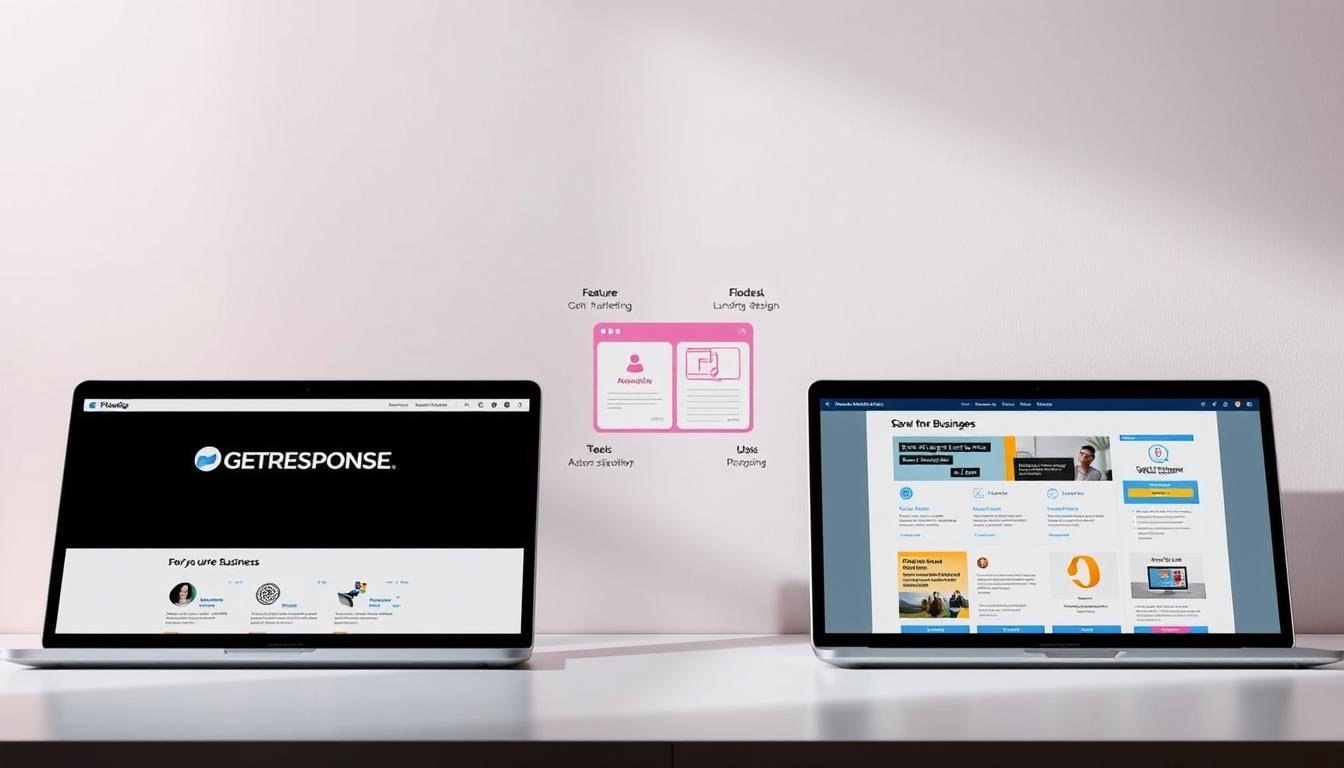
Which email platform will actually help you grow an engaged audience without wasting time or money? That question matters if you run small operations and aim to scale with focused campaigns.
You face two clear choices: one platform champions visual design and ease, while the other offers broad features and scale. Flodesk costs $38 per month and includes unlimited subscribers and a slick email builder. GetResponse brings 25+ years of experience, a free plan up to 500 contacts, paid tiers from $19/month, and 24/7 support plus 200+ integrations.
Think about how you send emails over the next 6–12 months. If polished layouts and simple workflows win your audience, design-forward tools shine. If you need advanced automations, analytics, webinars, and multichannel marketing, a mature platform will scale with your list and campaigns.
Key Takeaways
- Design vs depth: One tool emphasizes elegant emails; the other offers broader marketing capabilities.
- Pricing signal: Flat $38/month removes list-size worry; tiered plans help you start small and scale.
- Audience fit: Choose based on subscriber expectations and the types of campaigns you’ll run.
- Growth planning: Map features you need in the next quarter to avoid costly migrations.
- Support & reviews: The established platform scores higher in reviews and integrations; the design-first option earns praise for ease and visuals.
Quick overview: who each platform fits best right now
Match your priorities—visual polish or advanced automation—before committing to a monthly plan.
Flodesk at a glance for creatives and small business owners
Flodesk suits a small business that needs an intuitive email marketing platform with beautiful templates and a drag-and-drop builder.
The flat $38/month Email plan includes unlimited subscribers, and an optional $26/month ecommerce add-on adds sales pages and checkouts.
This setup is ideal when brand visuals matter and you want polished campaigns without a steep learning curve.
GetResponse at a glance for marketers and creators
GetResponse targets marketers who need a deeper marketing platform and room to scale.
A free tier covers up to 500 contacts; paid plans start at $19/month and unlock advanced automations, segmentation, and webinar or course tools.
Choose this path if you plan frequent campaigns, need behavioral triggers, or expect integrations across landing pages and other channels. By selecting this option, you'll gain the flexibility to experiment with various marketing strategies while closely monitoring audience engagement. In addition, you can delve deeper into your target demographics and explore the concept of home as it relates to their preferences and habits. This comprehensive approach will not only enhance your campaigns but also foster stronger connections with your audience across multiple platforms.
Want a closer look? Read a detailed review of platform complaints and support options here.
- Design-first: predictable cost, fast template-driven emails.
- Scale-ready: staged plans, automation, and multichannel features.
Pricing and plans compared: free, flat-rate, and what you actually get
Budget clarity matters: one option charges by contact count while the other uses a flat monthly fee. Start by projecting your list growth and needed features.
How the plans break down
Flat plan: a single $38/month email plan unlocks unlimited emails, templates, signup forms, landing pages, and link-in-bio pages on the free list-building tier. Add a $26/month ecommerce module for sales pages, checkouts, upsells, discounts, and instant digital delivery.
Tiered plan: a pricing free starter tier covers up to 500 subscribers and 2,500 emails/month but limits scheduling, automations, and segmented sends. Paid tiers begin at $19/month (Starter), then $59/month (Marketer) and $69/month (Creator) with progressive features like abandoned cart, advanced automation, courses, and webinars.
- Monthly predictability: flat fee simplifies budgeting as your list grows.
- Feature pacing: tiered plans let you pay for features as needed each month.
| Plan | Price / month | Contact limit | Key features |
|---|---|---|---|
| Flat Email | $38 | Unlimited subscribers | Unlimited emails, templates, signup forms, landing pages |
| Flat + Ecommerce | $64 | Unlimited subscribers | Sales pages, checkouts, upsells, digital delivery |
| Tiered Starter | $19 | 1,000 contacts (entry) | Newsletters, one workflow, landing pages, 24/7 chat |
| Tiered Creator | $69 | Scales by contact | Advanced automation, courses, webinars, analytics |
Design and builder experience: templates, fonts, and brand consistency
Design choices define how your emails feel and how fast you can produce them. The editor you pick shapes visual consistency, team speed, and the tone your audience sees.
Intuitive visual builder and saved brand assets
Flodesk’s builder prioritizes visual fidelity. You get up to ten saved color palettes, reusable font styles, and custom fonts that render as images to keep appearance consistent across inboxes.
Saved blocks and varied layouts (blog, testimonial, product) let you assemble polished emails fast. Countdown timers offer personalized and fixed modes. Link bars and styled social icons improve footers. Address and unsubscribe blocks are editable separately.
Editor trade-offs and manual setup
GetResponse’s editor supports custom font uploads but needs system fallbacks and manual color entry. It has fewer block types, no native countdown timer or link bar block, and limited social icon color controls.
That makes it practical for text-heavy newsletters, but it can slow teams that need tight brand control.
| Capability | Design-focused editor | System-style editor |
|---|---|---|
| Saved color palettes | Up to 10 palettes | No native saved palettes |
| Custom fonts | Custom fonts render as images | Uploads allowed with fallbacks |
| Countdown & link bar | Personalized + fixed timers; link bar block | No native timer; no link bar block |
| Address & unsubscribe | Separate editable blocks | Combined block, limited styling |
Bottom line: If brand consistency and visual nuance matter, this builder reduces production time and keeps email marketing on-brand. If you prioritize quick content edits and lean layouts, the other editor will do the job with a bit more manual setup.
Email automation and segmentation depth
Automations let you meet subscribers where they are, without nonstop manual work. This section compares simple visual workflows with deeper automation that supports complex journeys. Read on to match capability to your growth stage.
Visual workflows and basic automation
Simple automations are ideal for welcome series, lead nurture, and light branching. The visual editor makes setup fast and keeps emails on brand.
Note: there is no A/B testing in this setup. You’ll optimize by looking at aggregate results rather than controlled experiments.
Advanced automations and scoring
Advanced automation supports unlimited autoresponders on paid tiers and multi-condition workflows. With contact scoring and tagging, you can rank engagement and prioritize outreach.
Behavioral triggers—opens, clicks, site visits, and purchases—let you create timely, relevant emails that match intent.
Segmentation, abandoned cart, and scale
Deeper segmentation enables layered sequences: onboarding, re-engagement, and promotions. Ecommerce triggers like abandoned cart recovery drive measurable revenue.
- Practical tip: start with one evergreen sequence, then add scoring and tags as the list grows.
Multichannel marketing: landing pages, popups, and push notifications
Landing experiences and timely alerts extend your email marketing into a true multichannel funnel.
Flodesk covers the essentials: branded forms, popups, landing pages, and basic segmentation on its free plan. These elements let you capture leads and hand them to email sequences with minimal setup.
The ecommerce add-on layers sales pages and checkout flows into the same landing experience. That keeps product pages and conversions inside one tidy funnel.
GetResponse supplies landing pages, popups, signup forms, and unlimited newsletters on entry plans. Its Marketer tier adds web push notifications to reach subscribers who skip email. With these tools, businesses can build their online presence and engage effectively with their audience. Among the standout capabilities, the getresponse features for small businesses provide tailored solutions that help streamline marketing efforts and improve customer interactions. Additionally, users benefit from comprehensive analytics, allowing them to track performance and optimize their campaigns for better results. These tools not only simplify the marketing process but also enable businesses to tailor their strategies based on real-time data. The array of GetResponse features for digital marketing ensures that brands can effectively target and nurture their audience across multiple channels. This level of engagement ultimately leads to increased conversion rates and a more robust online reputation. Furthermore, the platform offers various integrations with other tools and services, enhancing its versatility for small businesses. For those considering alternative options, a getresponse vs infusionsoft comparison may provide insights into which tool better meets specific needs and preferences. This allows businesses to make informed decisions as they navigate the rapidly evolving digital marketing landscape.
- Capture: forms and popups for on-site leads.
- Sell: integrated sales pages and checkout for digital products.
- Extend reach: push notifications for time-sensitive announcements beyond email.
- Integrate: tie landing pages to social media and automation for cohesive campaigns.
| Capability | Design & capture | Multichannel reach |
|---|---|---|
| Forms & popups | Included on free plan | Tie directly into automation |
| Landing & sales pages | Branded landing pages; ecommerce add-on for sales | Keeps funnel unified |
| Push notifications | Not on basic plan | Available on Marketer (unlimited notifications) |
Integrations, API access, and scalability for growing businesses

Connecting your email system to other apps shapes how fast you can automate workflows and measure ROI.
Flodesk supplies an API plus a curated set of integrations that keep subscriber data in sync with the rest of your stack. This approach favors small businesses that want straightforward connectivity and fewer moving parts.
GetResponse offers a much larger ecosystem—over 200 integrations across email, landing pages, webinars, CRM, and conversion tools. That breadth supports end-to-end marketing funnels and richer analytics as contact volumes rise.
When your list grows, reliable field mapping and event delivery matter. If you need cross-tool notifications, webhooks, and deeper data flows, a broader integration catalog reduces custom work and speeds rollouts. If you prefer simple syncs and direct control, a lean API-first set is often enough.
Practical checklist:
- Match integrations to your CRM and ecommerce systems.
- Confirm contact field mapping before migration.
- Use integrated analytics to track source performance and ROI.
- Leverage 24/7 support to shorten implementation time when available.
| Aspect | Curated API set | Large integration catalog |
|---|---|---|
| Best fit | Lean teams and small businesses | Growing teams needing many marketing tools |
| Sync focus | Subscriber-level sync and simple mapping | Contact-level sync, webhooks, and event data |
| Support & rollout | Self-serve docs and limited integrations | 24/7 support and implementation help |
| Scaling benefit | Simplicity and fewer integrations to manage | Centralized analytics and complex automations |
Support, training, and reviews: what small businesses can expect
Support quality often decides how fast you can launch a new campaign and recover from hiccups. Good help shortens setup time and keeps your calendar intact.
Flodesk centers on clear documentation, webinars, and periodic live training. That mix helps small teams create polished email campaigns without a long ramp-up.
The flat-rate pricing also reduces billing questions and keeps planning predictable each month. If you prioritize quick design wins, this training path speeds adoption.
GetResponse support and resources
GetResponse provides 24/7 chat and email help and onboarding on paid plans. Those resources cut the time to value when you enable automations or integrate analytics. Additionally, users can take advantage of comprehensive tutorials and guides offered by GetResponse, which facilitate a smoother setup process. For those interested in understanding the financial aspect of their investment, accessing getresponse pricing details and analysis can provide valuable insights into the features that align with their business needs. This transparency allows businesses to choose the best plan without any hidden costs, ensuring they get the most out of their investment. By reviewing GetResponse pricing details compared to other similar platforms, businesses can make informed decisions that optimize their marketing budgets. This level of comparison not only highlights the unique features available but also showcases the overall value proposition of each plan. Ultimately, understanding these details empowers users to select a service that not only meets their operational requirements but also drives growth effectively.
- Practical: 24/7 availability helps if you launch at odd hours.
- Onboarding: paid plans include setup guidance to configure core features correctly.
- Reviews: user ratings typically sit between ~4.3–4.7/5, reflecting broad feature coverage and reliability.
| Area | Flodesk | GetResponse |
|---|---|---|
| Primary support | Documentation, webinars, live sessions | 24/7 chat & email, onboarding |
| Best for | Small teams wanting fast visual results | Teams needing advanced features and analytics |
| Billing impact | Flat monthly fee reduces friction | Tiered plans with onboarding on paid tiers |
| User reviews | Positive for ease and design | High ratings for breadth and reliability |
Decision tip: If your calendar demands frequent sends or odd-hour launches, prioritize 24/7 support. If you need polished templates fast, the documented training and flat billing can save you time and stress.
GetResponse vs Flodesk for creative businesses: which should you choose?

Your choice should reflect whether design or automation will drive the next wave of revenue. Start by listing your priorities: brand polish, list growth, ecommerce triggers, or complex automation. Match the platform to that roadmap before you commit.
Choose Flodesk when design and flat-rate pricing matter most
Use Flodesk if you run a small business that values cohesive newsletters and worry-free pricing. At $38/month you get unlimited subscribers; add $26/month for sales pages and checkout flows.
Choose GetResponse when automations, segmentation, and notifications are key
Choose the tiered platform if your roadmap needs advanced automations, abandoned cart triggers, deep segmentation, or web push notifications. Start with the free trial or free tier (up to 500 contacts) and upgrade as campaigns and automation needs grow.
Scenario-based recommendations
- Small list, high design standards: Flodesk’s builder speeds launches and keeps newsletters on-brand.
- Growing list, behavior-driven journeys: The tiered platform’s automations and segmentation deliver lift for campaigns and sales.
- Ecommerce focus: Compare Flodesk’s sales add-on to the Creator/Marketer tiers based on checkout complexity and abandoned cart analytics.
- Testing and validation: Use the free trial to validate engagement before moving to paid automations.
| Need | Best fit | Primary benefit | Typical price / month |
|---|---|---|---|
| Unlimited subscribers & simple newsletters | Use Flodesk | Flat pricing, fast branded emails | $38 |
| Ecommerce sales pages & simple checkout | Use Flodesk (add-on) | Integrated sales flows, minimal setup | $64 (with add-on) |
| Advanced automations, abandoned cart, push | Choose the tiered platform | Behavioral triggers, segmentation, notifications | $59 (Marketer)+ |
| Webinars, courses, paid newsletter monetization | Choose the tiered platform | Consolidated tools for content & sales | $69 (Creator) |
Quick takeaway: If visual brand consistency and predictable monthly pricing matter most, use Flodesk. If you need deep segmentation, email automation, and multichannel notifications to scale campaigns and sales, choose the tiered platform—and start with a free trial to confirm fit. For more user feedback and support notes, see this detailed review on Reddit.
Read user reviews and support notes
Conclusion
Conclusion
Decide by weighing design speed against automation depth and long-term scaling needs.
If your priority is beautiful templates, fast production, and predictable monthly pricing, choose the email marketing platform that keeps newsletters and media tight and on-brand. Its builder, saved palettes, countdown timers, and simple pages speed launches and reduce friction.
If you need scoring, advanced automations, analytics, push notifications, and broad integrations to stitch together a complex stack, pick the marketing platform that offers tiered plans, 24/7 support, and expanded integration options.
Practical next steps: map the features you’ll need in 6–12 months, test templates and forms with a trial, and budget by pricing model—flat-rate versus contact-based—to avoid surprises as subscribers grow.