
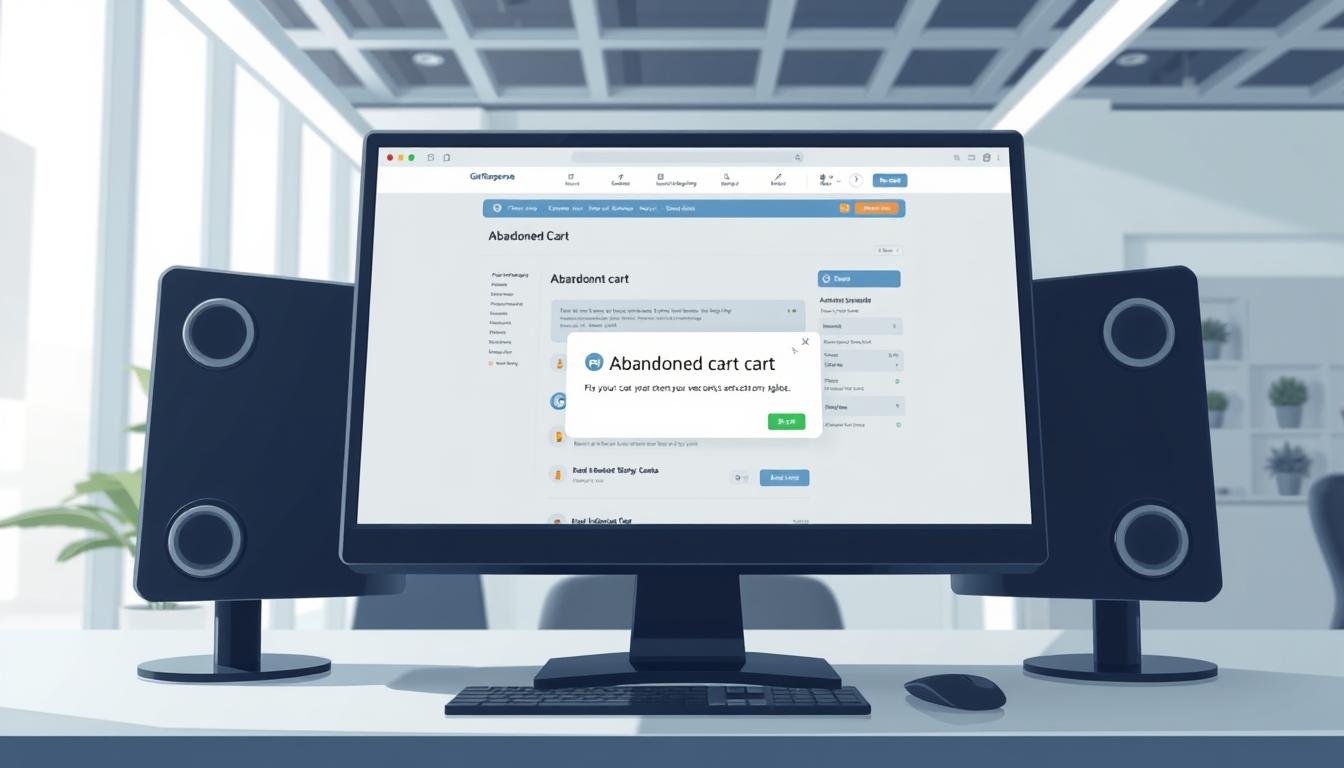
Why are nearly seven in ten shoppers leaving items behind—even when almost half were ready to buy?
You can fix the leak without more ad spend. Industry data shows about 70% of online shopping carts are abandoned, and roughly 41% of those visitors are ready buy. That means timely outreach and accurate flows can reclaim real revenue.
The problem usually isn’t magic; it’s integration, consent, and trigger errors. If your automated flow fails to fire, emails sit unsent, or reports show zero recovered sales, the issue is diagnosable and fixable.
This guide walks you through the root causes: how store settings, trigger timing, and email content affect conversions. You’ll get a clear checklist to validate your integration, prevent duplicate outreach, and measure recovered revenue in reports.
Key Takeaways
- About 70% of carts are left behind; many shoppers are ready to purchase.
- Fast, accurate triggers double conversion vs. delayed sends.
- Check integration, consent, and wait rules to restore automated flows.
- A concise checklist stops duplicate outreach and protects customer experience.
- Monitor recovered revenue in ecommerce reports to prove impact and iterate.
Understand the problem: what “abandoned cart” means and why it fails
Many failed outreach flows trace back to simple setup choices in your ecommerce settings.
When is a cart considered abandoned?
In ecommerce campaigns you pick the Abandoned cart trigger and set the waiting time. Once that window passes without a purchase, the system treats the session as a cart considered abandoned and will queue messages.
Why carts don’t trigger
Only subscribers with marketing consent receive messages. If checkout never captured an email, there is no address to message.
Timing is critical: set the wait to catch intent without spamming active shoppers. Poor product data or mismatched store IDs can also block the trigger.
- Consent missing: customers without marketing permission won’t get emails.
- No email captured: session can’t be linked to a subscriber.
- Timing misset: too long loses intent; too short flags active users.
| Failure | Cause | Quick fix |
|---|---|---|
| Trigger not firing | Missing email or consent | Collect email earlier; confirm consent |
| False positives | Wait time too short | Increase wait interval to match shopper behavior |
| Suppressed messages | Bad product/store data | Validate product IDs, price, and currency |
Quick diagnostics: GetResponse abandoned cart recovery not working

Start by running a quick systems check so you can isolate where the flow fails.
Integration checklist:
Integration checklist: Shopify, WooCommerce, Magento, Prestashop, Shoper
Verify you use a supported connector and that plugins are up to date. Confirm product IDs, prices, and line items sync into the ecommerce campaign. Malformed payloads will prevent carts from appearing and block cart recovery.
Marketing consent vs transactional
Only customers with marketing consent can receive promotional messages. If you need transactional notices, separate templates and rules. Test with a real checkout that includes consent to verify send emails functionality.
Avoid duplicate flows & timing rules
Avoid running Automation or Quick Transactional Emails alongside the Abandoned Cart campaign. Overlap can send multiple messages and skew reporting.
- Set the trigger: include Wait and Send email actions.
- Limit duration: keep campaigns under 21 days and ensure the flow stops on purchase.
- Test end-to-end: create a test cart, confirm the rebuild link and that only one recovery message is sent.
Fix campaign setup: triggers, waits, and email content that actually sends
Start by structuring the flow so triggers fire quickly and messages reach shoppers while intent is hot.
Set the trigger and choose the correct wait
In your Ecommerce campaign, place the Abandoned cart trigger first. Then add a Wait action that uses minutes, not hours, to catch intent.
Chain a Send email after each wait. Keep the total journey under 21 days to protect deliverability and platform limits.
Publish and test with ecommerce templates
Use only ecommerce templates so dynamic product blocks populate correctly. Newsletter or autoresponder templates will not insert product tiles or rebuild links.
Build messages that show product images, prices, and a single CTA that deep-links to the rebuild URL.
Confirm rebuild links and product blocks render
Validate merge tags on mobile and desktop. Click the email, verify the cart is repopulated, and complete a purchase to confirm the flow stops on purchase.
- Validate product name, image, and price merge tags output real values.
- Add a second touch with different subject and creative, but stop sequences when a purchase occurs.
- Track each action path with UTM parameters to attribute conversions in analytics.
Ecommerce foundations: capture more carts so emails can be sent
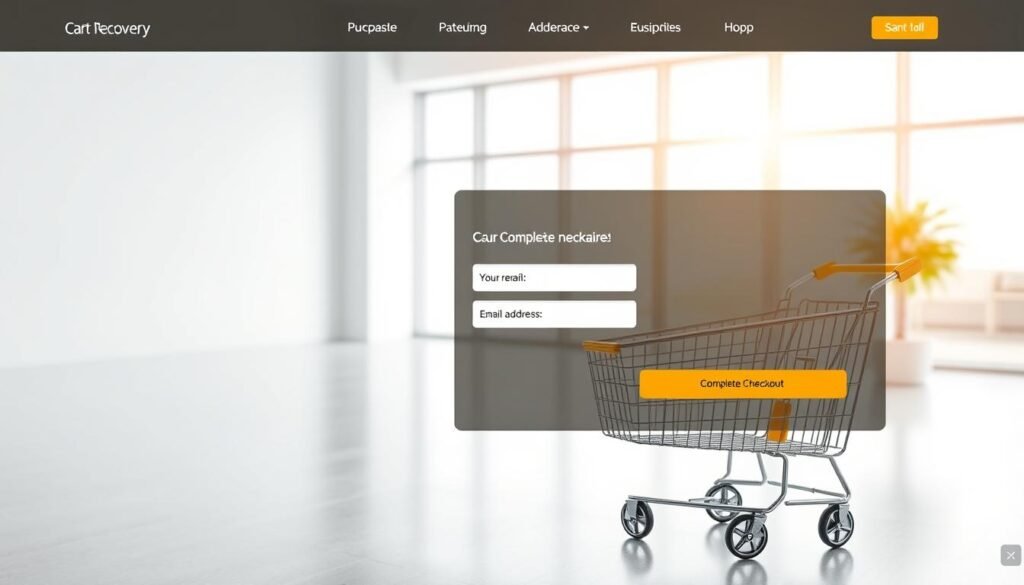
If you want to message shoppers later, the first step is to secure their email early. The Baymard Institute shows about 70% cart abandonment; many of those are addressable if you capture contact details before drop-off.
Collect the email early: guest checkout, pop-ups, exit-intent
Enable guest checkout so customers can complete orders without having to create account. Use well-timed pop-ups and exit-intent offers to trade a modest incentive or free shipping for an email.
Reduce checkout friction: fewer steps, preferred payments, mobile speed
Simplify the checkout process to the fewest steps. Remove nonessential information fields and keep the pay button visible on the checkout page.
- Offer preferred payments (cards, PayPal, Apple Pay, Google Pay, BNPL).
- Optimize mobile speed and streamline form fields to help customers finish faster.
Eliminate site errors and slow pages that block checkout
Fix submission bugs and slow loads on the critical path. Compress images, enable caching, and use a CDN so your store handles peaks without errors.
Optimize recovery performance with proven tactics
Speed wins: message intent fades fast, so your first outreach must arrive while interest is fresh.
Timing that wins:
Timing that wins: first email within minutes, follow-ups that convert
Send the first email within 20 minutes when possible. Data shows an early touch can roughly double the conversion rate versus waiting a day.
Then build a short series of recovery emails that shift focus: help, social proof, and urgency. Keep the sequence tight and stop sends after a complete purchase.
Offer strategy: urgency first, selective discounts, free shipping tests
Lead with scarcity and benefits before offering a discount. Many customers buy for reasons other than price.
Test modest discount versus free shipping to learn which lifts conversions for different products and order sizes.
Segmentation ideas and messaging
Segment by product type, cart value, and new vs returning customers. Tailor content to answer specific objections and highlight relevant benefits.
Subject lines and CTAs: personalization, scarcity, and clear action
Use personalized subjects and clear CTAs. Place the main CTA above the fold and repeat it. Track which subject lines drive opens and which emails drive a complete purchase.
Pro tip: try proven email templates to speed testing and tune your email marketing and marketing automation flows.
Measure and iterate: reports and KPIs to track recovered revenue
Start by turning raw numbers into actions: Reports reveal which campaigns actually bring revenue and which need work.
Use Reports >> Ecommerce to compare abandoned carts and carts recovered over time. Track total revenue from recovery journeys and set a baseline before you change content or timing.
Key metrics to monitor
- Revenue generated by each campaign and by sequence.
- Email metrics: opens, clicks, and conversion rate per send.
- Average order value and carts recovered by segment.
Run disciplined tests
Use A/B tests for subject lines, first‑send timing in minutes, offers, and CTA placement. Limit each campaign to 21 days so you measure durable impact without hurting deliverability.
| Metric | Action | Target |
|---|---|---|
| Revenue per campaign | Prioritize high‑lift campaigns | Increase month‑over‑month |
| Conversion rate | Test timing and content | Improve by 10%+ |
| Emails CTR | Optimize subject & CTA | Raise clicks without extra sends |
Align UTMs so email revenue matches external analytics. Monitor carts volume daily to spot integration issues fast. Iterate often—small timing and content gains compound into meaningful recovery revenue.
Conclusion
A dependable system starts with synced stores, clear permissions, and immediate outreach.
If your abandoned recovery stalls, start with integration health and explicit consent capture. Use the Abandoned cart trigger with a short wait and ecommerce templates so emails render product tiles and deep‑link back to the cart.
Balance urgency with profitability: lead with scarcity before you test a discount. Reduce checkout friction—guest checkout and fewer fields help customers complete purchase.
Segment by product and value, lean on marketing automation to send timely recovery emails, and measure carts, recovered revenue, and conversions. Iterate fast; each test helps you recover lost sales and convert ready buy shoppers into customers.
FAQ
What does "abandoned cart" mean and when is a cart considered abandoned?
A cart is considered abandoned when a shopper adds items and reaches the checkout but does not complete the purchase within the platform's configured window. Typical triggers include leaving during checkout, closing the browser, or failing to complete payment. Platforms often mark a cart as abandoned after a short inactivity period or when the customer exits the checkout without a successful transaction.
Why aren’t recovery messages sending after carts are left unfinished?
Messages fail to send for several common reasons: the integration between your store and email platform is broken, consent or marketing permissions are missing, the abandoned-cart automation isn't published, or timing rules prevent the trigger from firing. Also check that the event data (email, cart ID, product list) is reaching the automation engine.
Which e-commerce integrations should I verify for issues?
Verify the connection with your store platform—Shopify, WooCommerce, Magento, PrestaShop, and Shoper. Confirm that the plugin or API is up to date, webhooks are active, and order/cart events sync correctly. Broken or outdated connectors are a frequent cause of failed cart-based messaging.
Do marketing consent rules affect who receives cart messages?
Yes. Distinguish marketing consent from transactional permission. Only customers with the proper consent are eligible for promotional follow-ups. Transactional messages may still send for order confirmations, but cart reminders often require explicit marketing consent depending on your country’s privacy rules.
How can duplicate flows prevent messages from sending?
If a customer is enrolled in multiple overlapping automations—Abandoned Cart campaigns, Automation workflows, or Quick Transactional emails—the system may block or de-duplicate messages to avoid spamming. Review flow logic and disable redundant triggers so only one targeted sequence runs per cart event.
What trigger and timing rules should I check in my automation?
Check the initial wait time (minutes or hours), any maximum window (for example, a 21-day cap), and stop conditions like completed purchases. Ensure the first message sends quickly (often within minutes) and follow-ups have progressive waits. Incorrect waits or overly long caps can prevent timely reminders.
How do I set the correct abandoned-cart trigger and waiting time?
Use the platform’s Abandoned Cart trigger tied to checkout abandonment events. Set the first email to send within 10–60 minutes for highest recovery, then schedule 1–2 follow-ups over the next 24–72 hours. Avoid delays longer than the typical buying window for your product category.
Why should I publish and test with ecommerce templates rather than newsletters?
Ecommerce templates include dynamic product blocks and cart-rebuild links that pull the shopper’s items. Newsletters or autoresponders often lack these transactional elements. Publish the automation and test end-to-end with a real cart event to ensure personalization and links render correctly.
How can I confirm cart rebuild links and product blocks render properly?
Send test messages using real cart data or use the store’s test checkout. Check that product images, names, prices, and “return to cart” buttons work on desktop and mobile. Broken links or missing blocks indicate template or token failures in the integration.
What tactics capture more shopper emails before checkout?
Capture email early via guest checkout fields, exit-intent pop-ups, header/footer sign-up bars, and cart-overlay prompts. Offer clear benefits—order tracking, simple returns, or a first-time discount—to increase opt-ins and ensure you can contact ready-to-buy customers.
How do I reduce checkout friction so more carts actually convert?
Simplify steps, require minimal fields, offer preferred payment options, enable one-click or saved-card flows, and optimize mobile speed. Remove unexpected costs and display clear shipping and return policies. Lower friction reduces lost carts and increases the chance a reminder will convert.
Could site errors or slow pages block checkout events from being recorded?
Yes. JavaScript errors, blocked third-party scripts, or slow-loading pages can prevent checkout events and webhook calls from firing. Monitor site performance and error logs, and run end-to-end tests to confirm that the platform receives cart events reliably.
What timing strategy typically performs best for follow-up messages?
Best practice is a rapid first message (10–60 minutes), a second reminder within 24 hours, and a final nudge 48–72 hours later. Adjust timing to your customer behavior and product type; high-consideration items may need longer cadences than low-priced, impulse purchases.
When should I offer discounts, free shipping, or urgency-based incentives?
Use urgency-first language in early messages and reserve discounts for higher-value carts or later follow-ups. Test free shipping vs percentage discounts to see which yields better ROI. Target incentives selectively to protect margins and reward high-intent buyers.
How should I segment carts to improve recovery rates?
Segment by product category, cart value, and buyer status (new vs returning). Tailor copy and incentives—personalized product reminders for low-value carts, stronger offers for high-value or repeat customers. Segmentation increases relevance and conversion.
What subject line and CTA approaches increase opens and clicks?
Personalize with product names, use scarcity or urgency, and keep CTAs action-oriented (Return to cart, Complete your order). A/B test variations: name vs benefit, emoji presence, and incentive-led vs reminder copy to find the highest-performing combinations.
Which reports and KPIs should I track to measure recovered revenue?
Use ecommerce reports to compare abandoned carts vs recovered carts and track recovered revenue. Monitor email metrics—open rate, click rate, conversion rate—and calculate incentive lift and ROI. Track time-to-conversion to optimize timing windows.
How can A/B testing help improve cart reminder performance?
A/B tests validate subject lines, send times, incentives, and email layout. Measure differences in open, click, and conversion rates to identify winning elements. Iterate monthly and apply learnings across segments for steady gains in recovered sales.
If everything looks correct but reminders still fail, what final checks should I run?
Confirm webhooks and API keys, review recent platform updates, check suppression lists and bounce rates, and verify that emails aren’t routed to transactional-only flows. Run an end-to-end test with a fresh cart and monitor server logs for dropped events.